The roar of engines, the squeal of tires on sun-baked asphalt, and the constant pulse of a perfectly curated soundtrack – these are the hallmarks of an unforgettable drive through Mexico in Forza Horizon 5. More than a racing game, it’s a festival of speed, culture, and sound. As of 2026, the game's vibrant radio system remains one of its most beloved features, offering a deep collection of tracks that rival the setlists of real-world music festivals. Yet, even after years of updates and millions of players, many still find themselves fumbling for the right button to swap stations while hurtling through a danger sign.
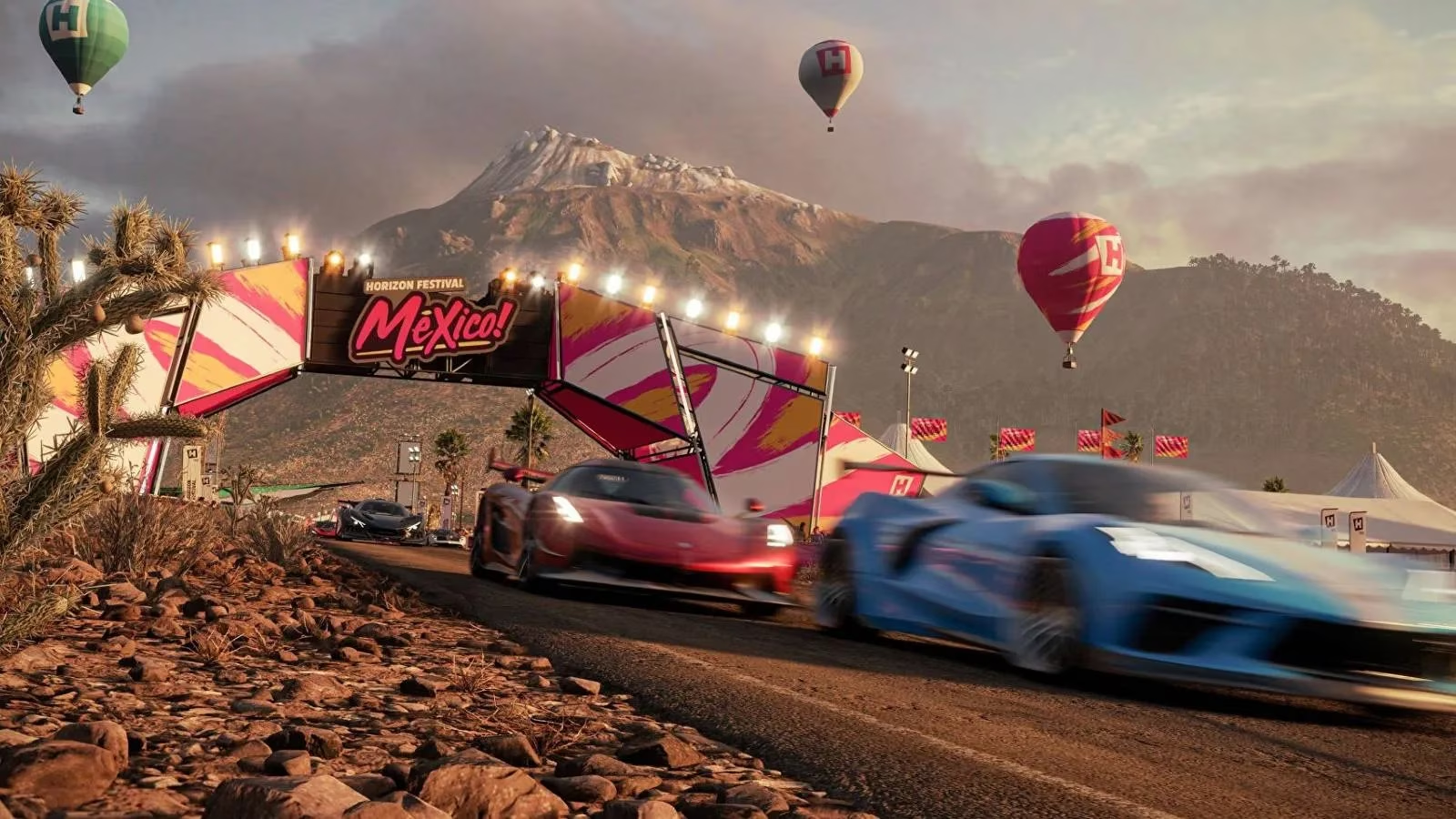
Understanding how to navigate the radio dial becomes essential once you realize just how much musical variety is packed into the game. With over 100 tracks spread across a dozen evolving playlists – thanks to several major updates and an ever-expanding Festival Playlist system – the auditory experience is richer than ever. Recent expansions like the Horizon Retrowave and Midnight Club collaborations have introduced synthwave anthems and neon-soaked garage rock, joining the original six core stations that defined the launch. The ability to cycle through them effortlessly transforms a simple cruise into a mood-shifting journey.
The Current Radio Landscape in 2026
Forza Horizon 5’s audio world now rotates through eight permanent stations, plus rotating limited-time channels tied to Series updates. The classic lineup remains the backbone:
-
Horizon Bass Arena 🎵 – Warehouse-sized beats, house, and festival-ready dance anthems.
-
Horizon Block Party 🎤 – Old-school hip hop, modern trap, and soulful R&B.
-
Radio Eterna 🎻 – Grand classical movements that add cinematic weight to a desert sprint.
-
Hospital Records Radio 🥁 – The legendary drum and bass label’s high-energy liquid and neurofunk.
-
Horizon Pulse 💖 – Chill electronic, dream pop, and the kind of tracks that feel like a sunset drive.
-
Horizon XS 🎸 – Indie rock, alternative, and heavy riffs for off-road chaos.
-
Horizon Retrowave 🌆 – A 2024 addition dripping with nostalgic synth melodies and driving basslines.
-
Epitaph Radio 🔥 – Punk, hardcore, and post-hardcore classics introduced with the Fast X crossover.
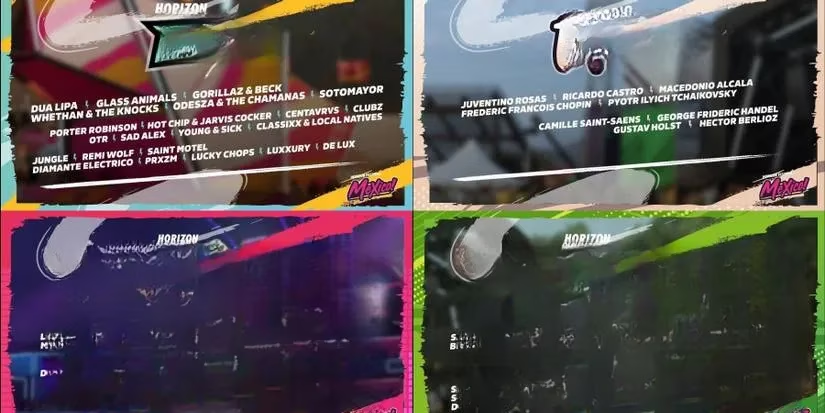
Each station is helmed by a charismatic DJ whose commentary adds personality and a sense of place. From the dry wit of Hospital Records’ host to the hyper-enthusiastic energy of Bass Arena’s MC, the chatter between songs makes the world feel alive. Special guest DJs, like Don Diablo and even holographic renditions of artists who performed at the actual Horizon Festival, have appeared during seasonal celebrations.
How to Switch Stations Across All Platforms
The method for changing the radio channel depends on your preferred control device, and while it might seem straightforward, the sheer speed of Horizon life can make even a simple button press feel like a puzzle. Here’s the definitive guide for 2026, which accounts for all supported inputs including the latest handheld PC gaming devices.
For Gamepad Users
If you’re gripping an Xbox Wireless Controller, a DualSense, or any standard gamepad, the process is muscle-memory friendly. Tap right on the D-Pad to advance to the next station. There is no native “previous station” command, so you’ll cycle through all available channels until you land on the one you want. This design choice keeps the interface clean but can be frustrating during a high-speed chase. Pro tip: bind a secondary back-paddle or the share button to a quick-access radio function via the in-game control remapping to instantly mute or jump to a favourite station.
For Keyboard and Mouse Players
The default key assignment is less intuitive. Press the equals sign (=) key to shuffle forward. It’s located in the upper row, often far from the WASD movement keys, so reaching for it mid-drift is not advised. Many PC racers remap radio controls to a mouse side button or a more accessible key like R (after moving rewind) for a seamless experience. The game now supports per-profile bindings, so you can save a custom layout specifically for cruising sessions.
For Steering Wheel and Sim Rig Enthusiasts
With the explosion of direct-drive wheels and full sim cockpits in 2026, the radio toggle is often mapped to a button box or a wheel facebutton. By default, on Fanatec and Logitech G PRO wheels, the right thumbstick push or a designated “radio” button cycles stations. If your wheel is not automatically configured, visit the Advanced Controls menu to manually set the radio switch. Immersion-focused drivers can even link the function to a dash-mounted toggle switch for a truly authentic road-trip feel.
For Mobile and Cloud Streaming
Xbox Cloud Gaming and remote play on phones and tablets use an on-screen touch overlay. A small radio icon appears on the right side of the HUD; tapping it moves to the next station. This method, while simple, suffers from the same no-back-button limitation, so careful tapping is essential when you’re streaming over 5G.
Turning the Radio Off and Crafting Your Own Soundtrack
Sometimes you want to hear nothing but the high-pitched whine of an electric motor, the bassy growl of a V8, or simply the ambient sounds of Mexico’s jungles, beaches, and colonial towns. To silence the in-game music, keep tapping the station-change button until you reach “Radio Off.” This option sits between the last curated channel and the first, effectively muting the soundtrack while leaving environmental audio – engine notes, tire squeal, wildlife, and city chatter – untouched. It’s the perfect setting for those who prefer to listen to a podcast, an audiobook, or their own personal playlists via a background app.
In 2026, Forza Horizon 5 also supports direct integration with Spotify and Apple Music on both Xbox and PC. By linking your account in the Audio Settings, you can overlay your own mixes, and the game smartly ducks the volume during important radio calls or story dialogue. This hybrid approach means you never miss a blueprint challenge announcement while still vibing to your own beats.
Hidden Audio Secrets and Easter Eggs
Beyond the standard stations, Mexico hides a few audio surprises. The Test Track speaker system near the Horizon Festival mainstage occasionally broadcasts cryptic messages hinting at upcoming DLC locations. During the Day of the Dead seasonal events, Radio Eterna transforms into a temporary station playing traditional mariachi and folk music. And if you park your car near a street performer in Guanajuato, your radio will automatically switch to a local AM-style broadcast of that musician’s performance – a tiny, brilliant touch that blurs the line between game world and interface.
Optimising Your Audio Settings for the Best Experience
To get the most out of the radio, dive into the Audio menu. Set the Radio Volume to a comfortable level where DJ voices are clear but don’t overpower the engine. Enable Dynamic Range Compression if you’re playing on TV speakers to keep sudden sound effects from drowning out the music. For headphone users, the Dolby Atmos for Headphones support creates a spacious mix where a song from the radio feels like it’s coming from the car’s speakers while the world remains fully three-dimensional. Many competitive drivers also assign a music fade-out to the rewind button so that during tense moments, the soundtrack temporarily drops away.
With these tools, every player can turn Forza Horizon 5 into their personal automotive jukebox. Whether you’re drifting up the volcano listening to drum and bass, or slowly rolling through a sandstorm with a classical concerto, the radio is more than a feature – it’s the soul of the festival. So next time you fire up the ignition, take a moment to tune in, turn it up, and let Mexico sing.